

In this article
You are running forty miles an hour toward a channel swing, eyes scanning for the singular rock pile that holds the school. But the contour lines are buried under a chaotic rash of blue dots. Your screen, a device meant to provide clarity, now offers only noise. You squint, zoom in, zoom out, and in those few seconds of distraction, you miss the apex of the turn.
This is “Data Clutter.” It is a self-inflicted blindness that costs us time, fuel, and fish. It transforms expensive marine electronics into a distraction rather than a tool.
I have spent decades on the water, both competing and guiding. I learned the hard way that navigational competence isn’t about collecting waypoint locations; it’s about the disciplined curation of intelligence. We are going to move from being overwhelmed operators, paralyzed by a cluttered plotter, to a seasonal strategist who treats every mark as a verified asset within a clean, actionable master system.
Why is “Data Clutter” a Critical Risk for Anglers?
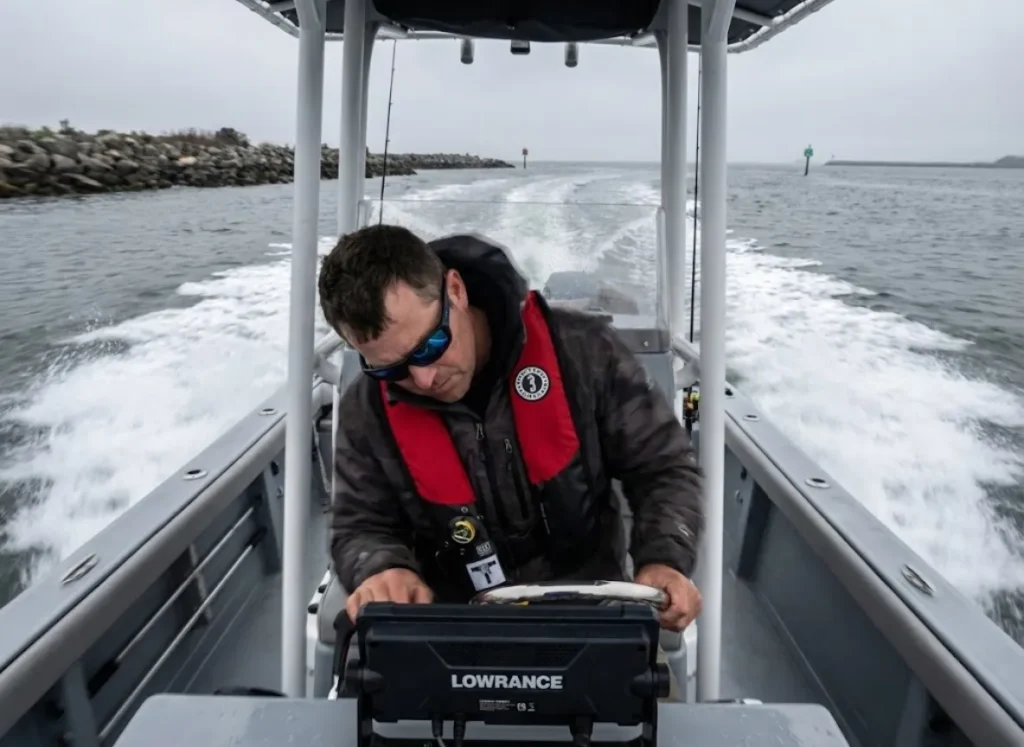
Most anglers view a messy screen as a minor annoyance, a housekeeping issue to be dealt with “someday.” However, in a marine environment, clutter is an operational hazard that directly impacts your ability to process information and make safe decisions.
How does screen saturation affect situational awareness?
Modern navigation is a resource-intensive cognitive task. You are attempting to synthesize dynamic variables—current, wind, boat traffic—with static chart data in real-time. “Information saturation” occurs when the density of waypoints and labels degrades your visual search efficiency. Your brain is forced to filter “visual noise” (irrelevant marks), leaving significantly less bandwidth for interpreting traditional 2D sonar or spotting floating debris.
This visual overload leads to the “yoyo effect,” where you are constantly adjusting your depth finder zoom to separate overlapping icons and zooming out to regain orientation. This breaks your spatial awareness. Worse, it triggers “Cognitive Tunneling,” where you fixate on the screen to decipher the mess, losing peripheral awareness of the physical world. A study on technostress confirms that excessive digital stimuli significantly hamper decision-making efficiency, leading to “Human Erroneous Action” (HEA).
When a layer of obsolete fishing waypoints obscures a critical depth marker or obstruction symbol, you are no longer navigating; you are guessing.
Pro-Tip: If you find yourself zooming in and out more than three times to identify a specific spot, your screen density is too high. It’s time to apply a filter.
What is the “Three C’s” framework for filtering data?
Once you recognize the safety hazard, you need a filter to decide what actually deserves pixel space. I use the “Three C’s” framework: Constriction, Confluence, and Corners.
- Constriction: Areas where the water body narrows, accelerating current and concentrating biomass.
- Confluence: Intersections of channels or tributaries that serve as biological highways.
- Corners: Sharp structural bends that disrupt flow and create eddies.
A waypoint should only be retained if it highlights one of these specific hydrodynamics or structure locations. A mark labeled “Fish” in open water, without a corresponding structural reason, is just noise. It contributes to distraction, which the NTSB identifies as a primary cause of marine incidents.
Applying this filter prevents the accumulation of “ghost data.” It aligns your digital chart with the physical reality of the water. For a deeper understanding of why these specific features matter, refer to our field guide to reading a river, which details how current interacts with structure to position fish.
How Should You Structure Waypoint Metadata?
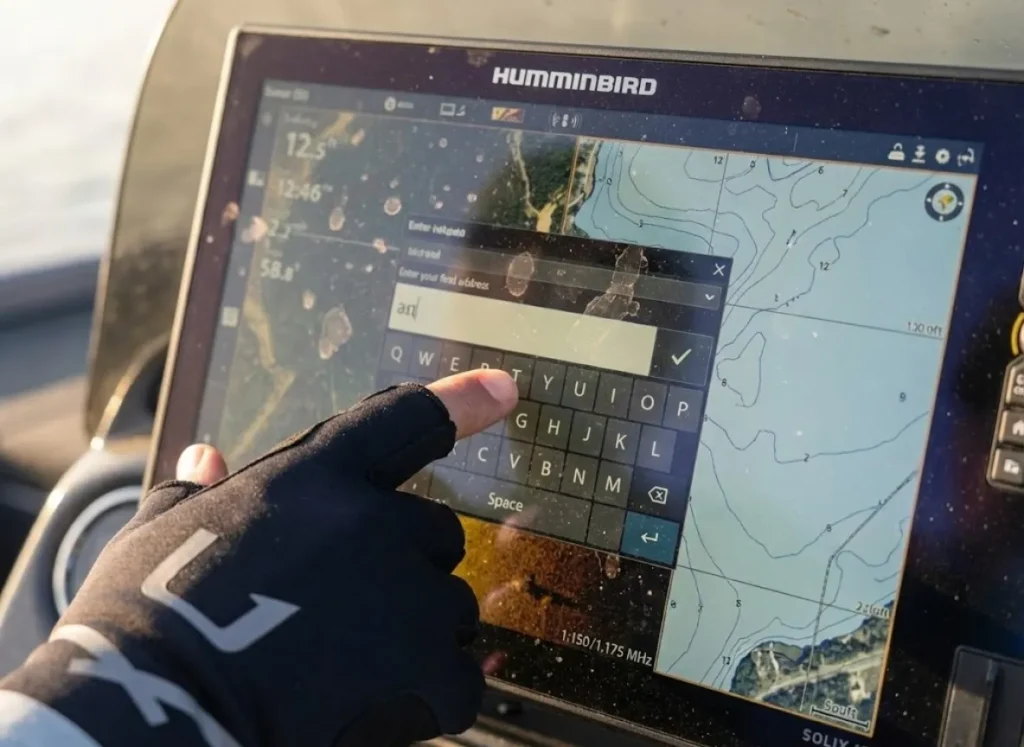
With a filter in place for what to keep, we must standardize how we label it. A GPS unit is not just a map; it is a database. If you cannot search it, you cannot use it.
What is the “Date-Type-Depth” naming protocol?
Random names like “Big Bass 1” or “Tuesday Spot” are useless for retrieval. To turn your list into a tactical instrument, you need strict naming conventions. I use the Month-Structure-Depth syntax (e.g., 5-Rock-15).
- Prefix (Month): Using a numeric month (1-12) allows you to sort by name and instantly group all seasonally relevant spots. In May, all your “5-” waypoints float to the top.
- Body (Structure): Describe the physical feature (Ledge, Brush, Hump).
- Suffix (Depth): Encodes the vertical variable, allowing for pattern matching across the lake.
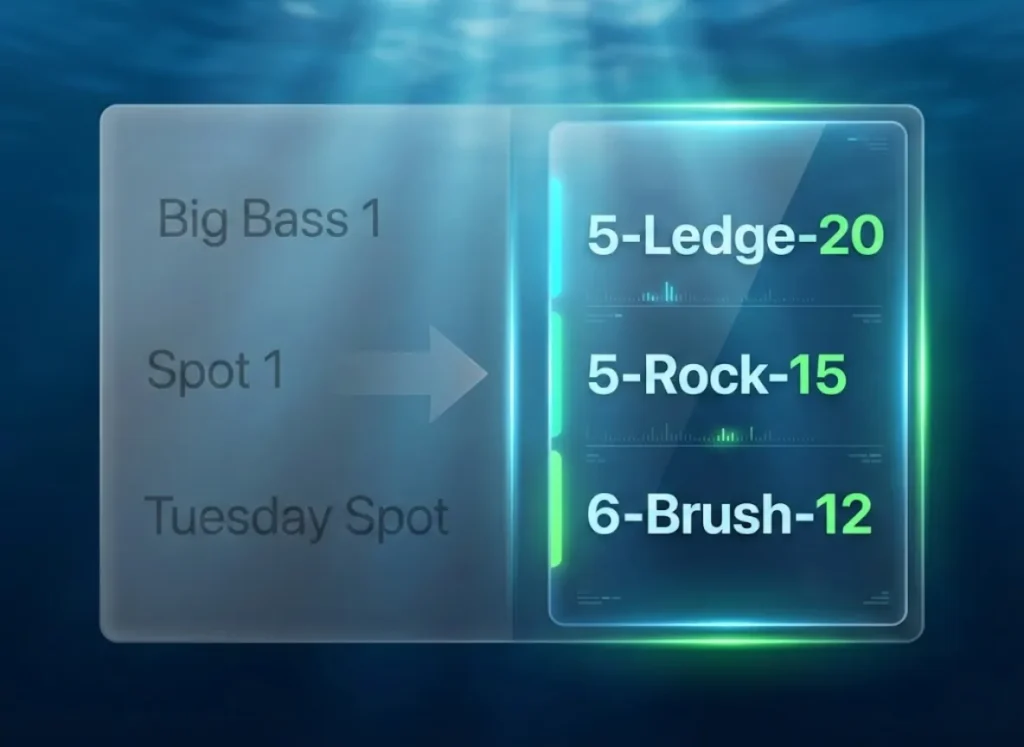
This protocol accommodates the strict character limits found on legacy units while maintaining high semantic value. It eliminates cognitive load by hiding irrelevant data—your December spots sit quietly at the bottom of the list while you fish in June. This structured presentation is proven to reduce cognitive load during complex tasks.
Adopting this syntax is the first step to better data hygiene, a habit that should extend to how you audit and maintain personal fishing logbooks.
How can tide and conditions be encoded into names?
In tidal waters, the tide stage is often more important than “where.” A flat that is productive at rising tide may be dry land at ebb tide.
To manage this, append tidal suffixes to your naming convention. Use HW (High Water), LW (Low Water), R (Rising), and F (Falling). You can add time offsets for precision. A waypoint named Pt-Redfish-LW+1 tells me to target that point exactly one hour after low tide.
This turns your GPS into a dynamic predictive tool. By checking NOAA Tides and Currents, you can filter your waypoints to match the water movement of the day. For more complex qualitative data, such as “drift start points” or specific weather conditions, utilize the comment fields available on modern units. Advanced fishing apps for GPS and tides can often sync with these fields, allowing for conditional filtering on your mobile device before you even step on the boat.
How Do Icons and Colors Reduce Cognitive Load?
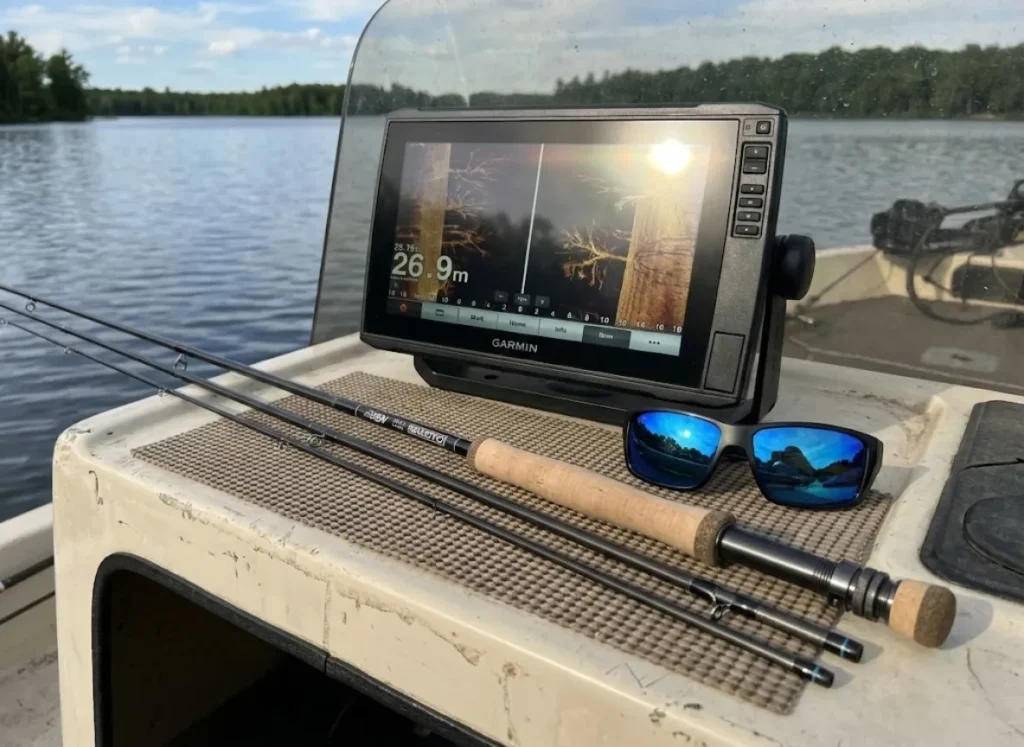
Text provides detail, but on a moving boat, the brain processes shapes and colors significantly faster than it can read words. We need to leverage “pre-attentive processing” for instant recognition.
What is the Semantic Icon System?
Visual clutter often stems from using the default blue dot for everything. To fix this, we must be intentional with icon selection and symbol selection.
- Skull: Hazard or danger.
- Tree: Brush or timber.
- Square: Rock or bottom hardness changes.
- Flag: Navigation turn or channel marker.
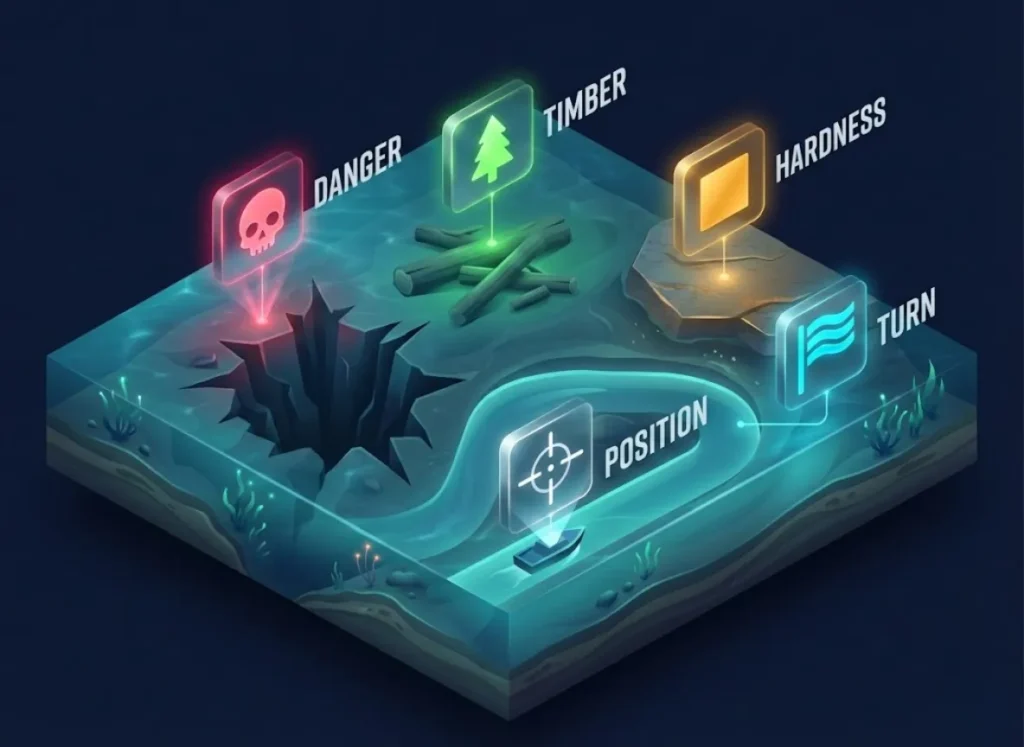
Distinguish between “species icons” (where the fish are) and “Position” icons (where the boat should sit). This creates a visual language that requires no reading. A skull must always mean danger; this consistency allows for rapid visual search efficiency. Be aware that icon IDs vary between brands, so if you switch best marine GPS units, you may need to map your symbols to the new manufacturer’s standard.
How does color-coding improve seasonal analysis?
While icons define the what, color creates a second seasonal layer to define the when. The “Seasonality Method” assigns colors based on the productive time of year.
- Green: Spring (Growth/Spawning).
- Red: Summer (Heat).
- Orange: Fall (Transition).
- Blue: Winter (Cold).
A single glance at the chart reveals patterns. A cluster of blue dots instantly indicates a wintering hole. This allows you to mentally “mute” green dots in December without diving into settings menus. While the US Coast Guard Navigation Center dictates standard colors for navigation aids, your personal fishing data benefits from this custom seasonal logic. This strategy aligns perfectly with understanding how thermoclines explained drive fish depth and location throughout the year.
What Software Tools Manage Bulk Data Effectively?
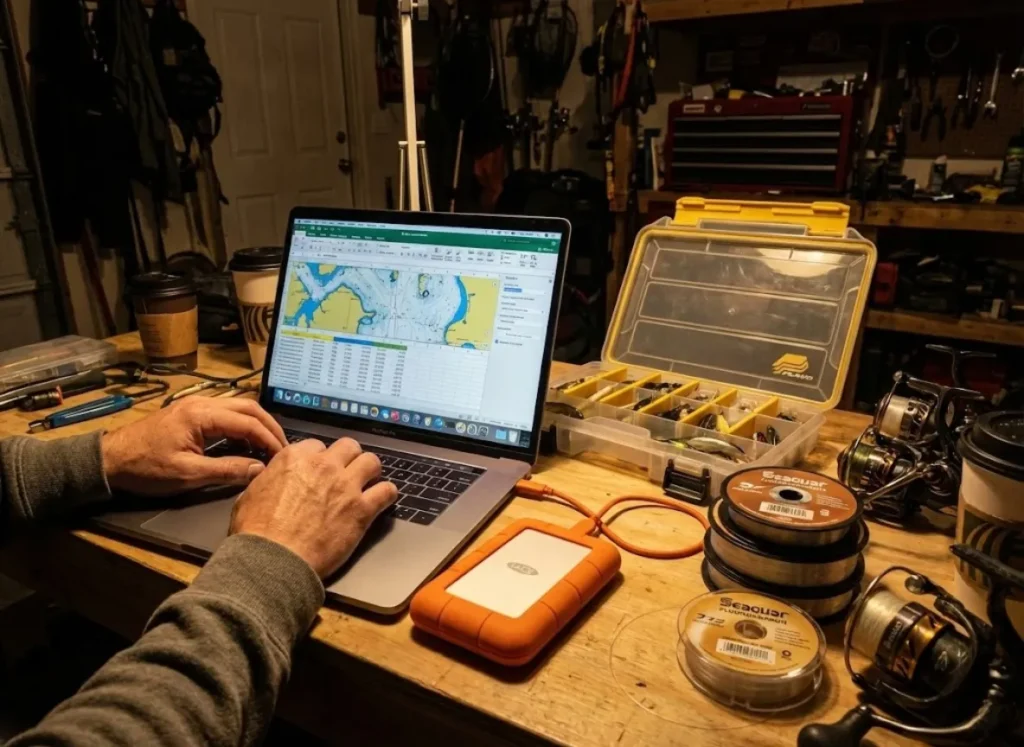
Attempting to edit 5,000 waypoints on a 10-inch touch screen is an exercise in futility. Whether you run a Garmin GPSMAP or EchoMAP, a Lowrance HDS, a Humminbird Solix, or a Raymarine Axiom, the proprietary software (like HomePort, Active Captain, or Time Zero Cloud) can be restrictive. True desktop planning happens with a universal digital workflow layer.
How does the “Excel Method” revolutionize data hygiene?
The “Heavy Lifting” of spot management is best done using the Excel Method. The workflow is simple but powerful:
- Export your waypoints to GPX format (or USR files for older Lowrance units).
- Use GPSBabel for gpx conversion into a CSV format.
- Open the CSV in Microsoft Excel to access your excel template.
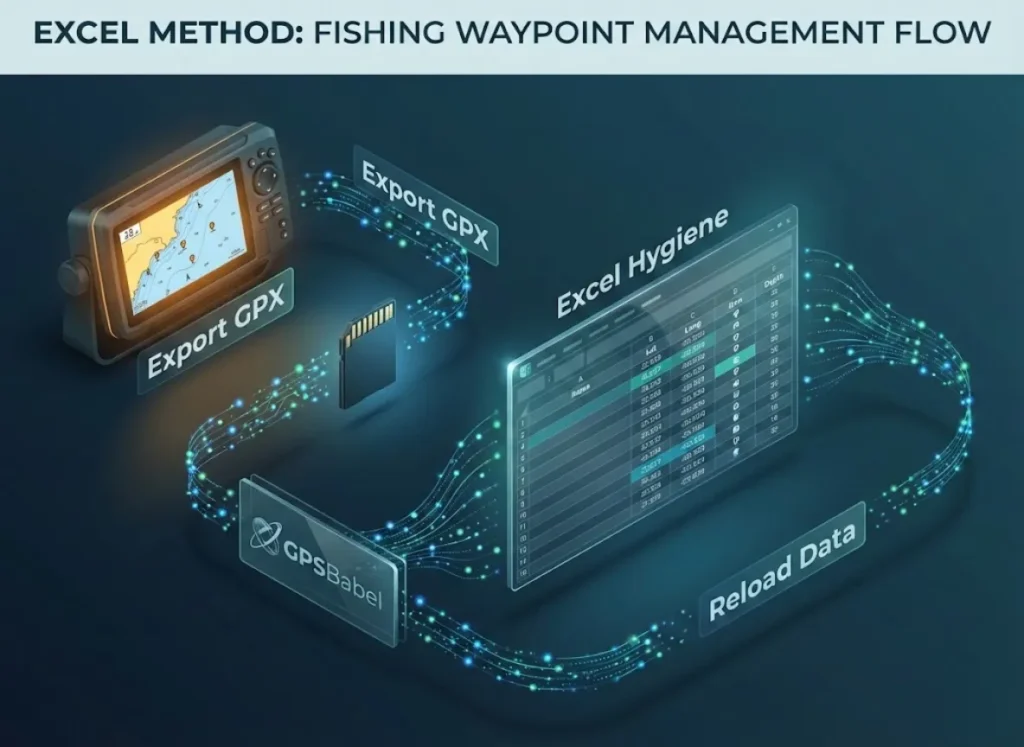
In Excel, you can use “Find and Replace” to bulk-edit points, standardizing hundreds of names instantly (e.g., changing every instance of “Brush” to “BP”). You can sort by bottom composition notes or use conditional formatting to spot duplicates. You can even overlay NOAA wrecks database or Seamarks data using tools like ReefMaster or OpenCPN before re-importing. Once cleaned, save the CSV, convert it back to GPX, and reload it. This is the digital equivalent of organizing your best fishing tackle box; everything has a place, and nothing is rusty.
When Should You Cull or Archive Fishing Spots?
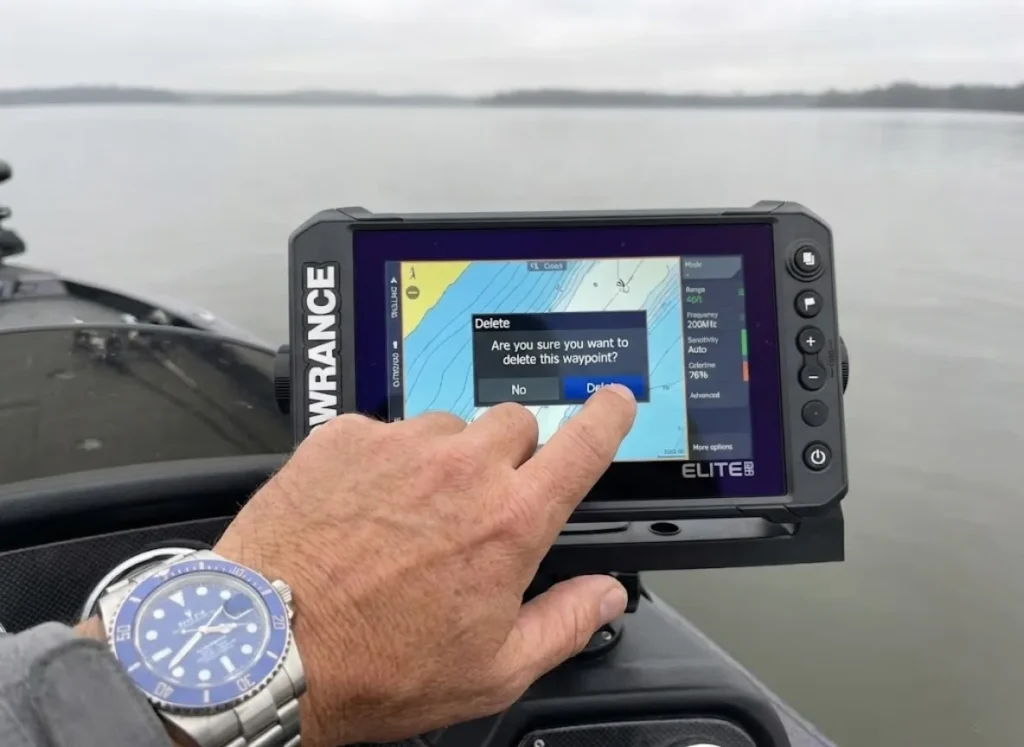
Tools allow you to clean the list, but a rigorous philosophy is required to decide what gets deleted. We must avoid the hoarding mentality to manage chartplotter limits.
What is the “ABC Grading System” for waypoints?
Waypoints are hypotheses that must be tested. I use an ABC Grading System to determine the lifecycle of a spot.
- Grade A (The Trifecta): Spots possessing Structure, Biological evidence (bait/birds), and Current. These are permanent keepers with high seasonal success rates.
- Grade B (Potential): Spots with one or two elements. Retained for re-testing under different weather conditions.
- Grade C (Dead Water): Spots lacking all key indicators or failing to produce after three visits.
Grade C spots must be deleted as part of your waypoint culling strategy. Keeping them “just in case” adds to the cognitive load and distracts you from high-percentage water. Knowing where not to fish is often as valuable as knowing where to fish. This approach ensures you are always applying a data-backed method for choosing a fishing spot. Beyond that, removing non-essential data aligns with USCG Navigation Rules regarding maintaining a proper lookout—a clean screen supports a focused mind.
Pro-Tip: Create a dedicated “Archive” folder on your computer for Grade C spots. Delete them from your unit, but save them at home. This satisfies the psychological need to “keep” the data without cluttering your active navigation screen.
The Navigator’s Standard
True navigational competence isn’t about the sheer waypoint count; it’s about the quality of the data you trust. By Standardizing your naming convention, Sanitizing your list with the “Three C’s,” Segregating data by season and color, and prioritizing Safety through clutter reduction, you transform your GPS from a simple map view into a weapon.
Before your next trip, take the SD card out of your unit. Export your waypoints and try the “Excel Method” to audit points on just one section of your lake. Clarity on the screen leads to clarity in the mind, and that is where consistent success begins.
FAQ – Frequently Asked Questions
What is the best way to back up my GPS waypoints?
The most reliable method is a redundant system: export your data to a physical SD card, then copy those GPX format or USR files to a cloud syncing service (Google Drive or Dropbox) and a dedicated folder on your home PC. Relying solely on the unit’s internal memory is a risk; units can fail, and cards can corrupt.
How many waypoints can a Garmin or Lowrance unit hold?
Most modern marine electronics (Garmin GPSMAP, Lowrance HDS Live) hold between 3,000 and 5,000 waypoints, though newer models like the Humminbird Solix or Simrad NSS evo3 can hold up to 10,000. However, performance (map redraw speed) can degrade as you approach the cap, making management crucial.
Can I transfer waypoints between different brands of GPS units?
Yes, by using the GPX format, which is supported by almost all major manufacturers including Raymarine, Garmin, and Lowrance. However, proprietary data like icon selection or water color or bottom hardness layers may not transfer correctly and often require conversion software like GPSBabel.
Why do my waypoint symbols change when I update my software?
Manufacturers sometimes change the internal Symbol ID mapping in firmware updates (common in Garmin updates), causing the unit to display the wrong icon for a saved point. To fix this, you may need to bulk-edit points on a PC to re-assign the correct symbol ID for the new software version.
Risk Disclaimer: Fishing, boating, and all related outdoor activities involve inherent risks that
can lead to injury. The information provided on Master Fishing Mag is for educational and informational purposes
only. While we strive for accuracy, the information, techniques, and advice on gear and safety are not a substitute
for your own best judgment, local knowledge, and adherence to official regulations. Fishing regulations, including
seasons, size limits, and species restrictions, change frequently and vary by location. Always consult the latest
official regulations from your local fish and wildlife agency before heading out. Proper handling of hooks, knives,
and other sharp equipment is essential for safety. Furthermore, be aware of local fish consumption advisories. By
using this website, you agree that you are solely responsible for your own safety and for complying with all
applicable laws. Any reliance you place on our content is strictly at your own risk. Master Fishing Mag and its
authors will not be held liable for any injury, damage, or loss sustained in connection with the use of the
information herein.
Affiliate Disclosure: We are a participant in the Amazon Services LLC Associates Program, an
affiliate advertising program designed to provide a means for us to earn advertising fees by advertising and linking
to Amazon.com. As an Amazon Associate, we earn from qualifying purchases. We also participate in other affiliate
programs and may receive a commission on products purchased through our links, at no extra cost to you. Additional
terms are found in the terms of service.